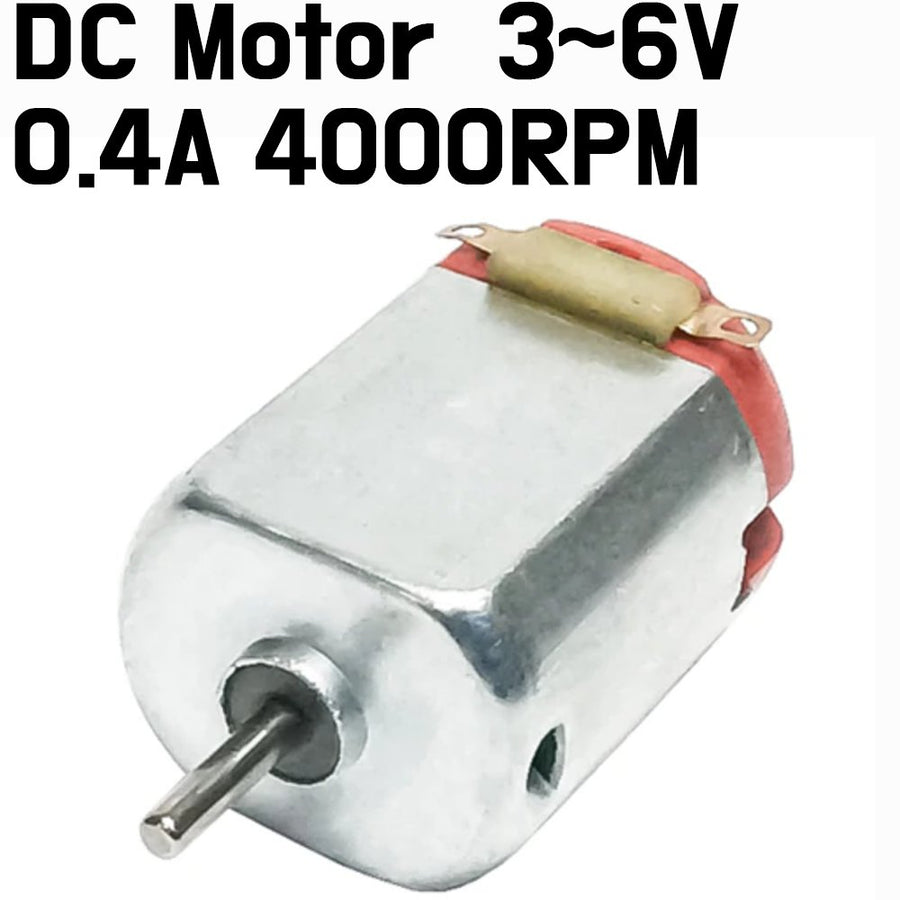
Motor -Red DC Motor 3V - Micro 130 Pony Small Motor

SKU: PB4003-1
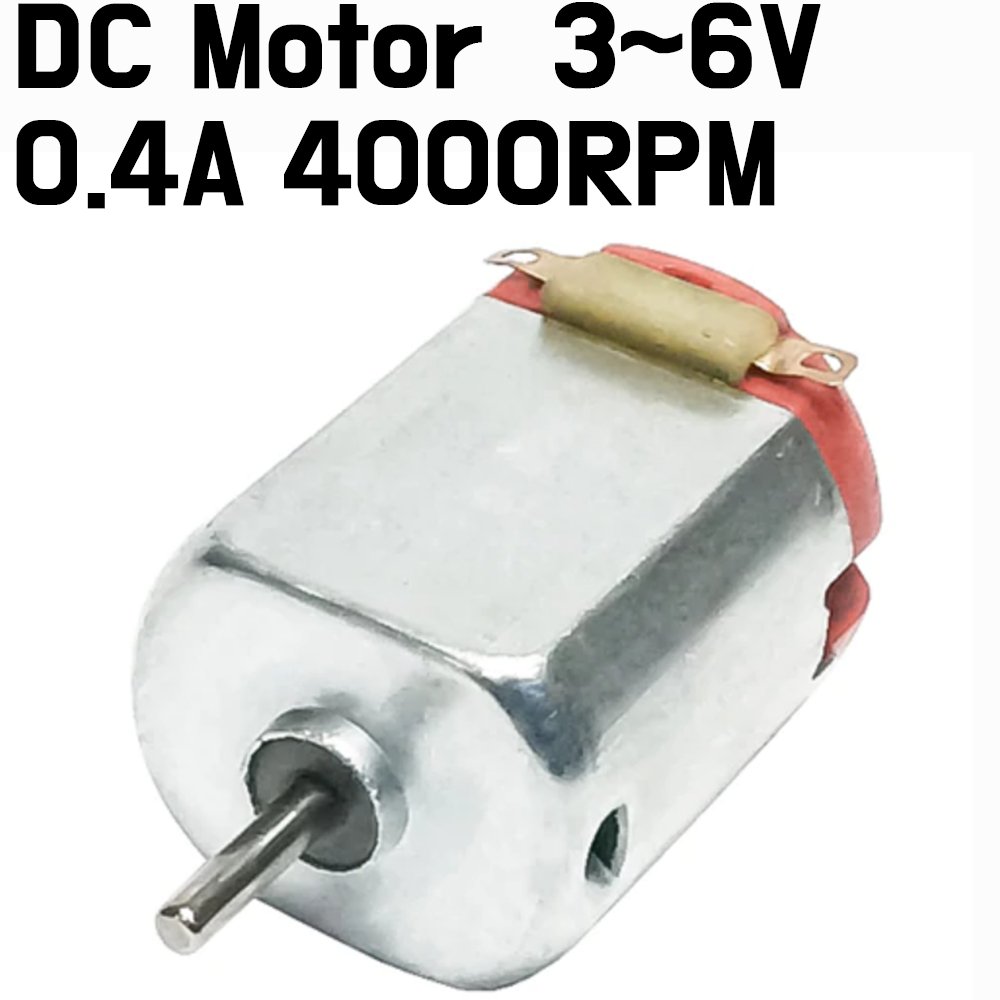
Red Micro 130 DC motor 3 V with a 2 mm metal shaft, front view
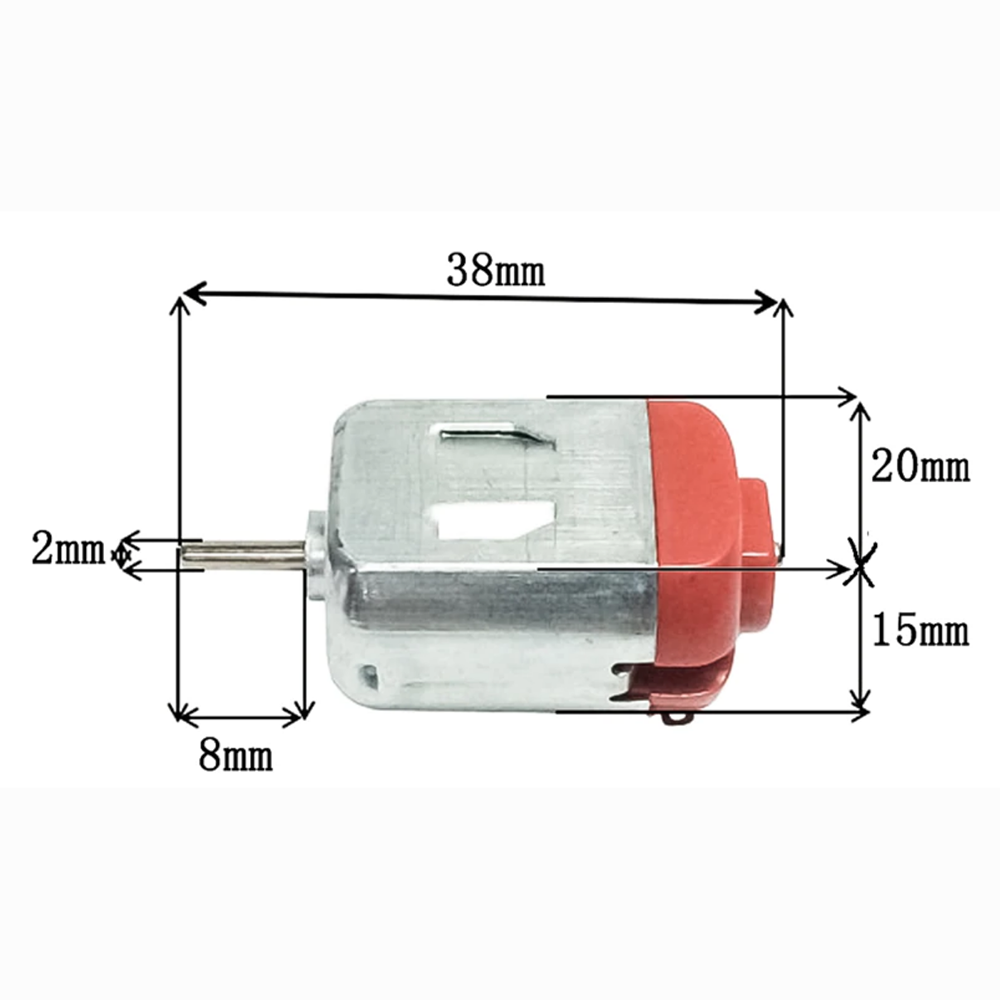
Red Micro 130 DC motor dimensions drawing showing 38 mm length and 2 mm shaft

Motor -Red DC Motor 3V - Micro 130 Pony Small Motor

SKU: PB4003-1
Default
Regular price $2.99
/
  • Free shipping on all orders over $100
  • Secure payments
  • In stock, ready to ship
  • Inventory on the way

Add $94.01 more for free shipping

Tax included. Shipping calculated at checkout.

You'll also need

Choose a quantity and add it to your cart.

A small 130-style brushed DC motor for 3–6 V hobby projects, with a 2 mm shaft.

This red Micro 130 pony motor suits DIY cars, fans and small mechanisms. Switch it from an Arduino, ESP32 or Raspberry Pi Pico through a transistor.

Voltage
3–6 V DC
Shaft
2 mm × 8 mm
Length
38 mm
Speed at 3 V
4000 RPM

Why choose it

  • Runs from two AA cells — the 3 V rating matches a 2 × AA battery holder.
  • Works with the common 2 mm shafts — a 2 mm × 8 mm shaft takes small gears, fan blades and wheels made for it.
  • Small body — 38 mm long, easy to fit in toy-scale builds.

Specifications

Electrical
Voltage range (supplier-listed) 3–6 V DC
Reference current (supplier-listed) 0.35–0.4 A
Speed at 3 V (supplier-listed) 4000 RPM
Physical
Body length (supplier-listed) 38 mm
Shaft diameter 2 mm
Shaft length 8 mm
Colour Red

Values marked supplier-listed come from the supplier's listing. Refer to the pictures for the size information.

Compatibility

Platform Works Notes
Arduino UNO / Nano (5 V) ◐ With adapter Switch the motor through a transistor with a diode across it; never connect it straight to a pin
ESP32 / ESP8266 (3.3 V) ◐ With adapter Same transistor circuit, with its own battery
Raspberry Pi / Pico ◐ With adapter Same transistor circuit; pins are 3.3 V only
Software ✓ Yes Any Arduino-compatible IDE; only digitalWrite or PWM is needed

In the box

Included
  • 1 × Micro 130 DC motor, 3–6 V

Applications

  • DIY toy cars and small robots
  • Small fans and propellers
  • Learning motor control with a transistor and a microcontroller
Good to know
  • Never connect the motor directly to a board pin. Use a transistor and a diode across the motor.
  • A stalled motor draws much more current than a spinning one. Do not hold the shaft while powered.
  • Use a separate battery for the motor and join only the grounds.

FAQ

▸ Can I connect this motor straight to an Arduino pin?

No. A motor draws much more current than a board pin can supply. Switch it with a transistor from its own battery, with a diode across the motor.

▸ What power supply does it need?

The supplier lists 3–6 V DC. Two AA cells give about 3 V; see the AA battery holder.

▸ How do I change the spin direction?

Swap the two motor wires, or use an H-bridge motor driver such as the L298N board to reverse it from code.

Technical question about this part? Email support@epartners.co.nz with your board and wiring, and we'll help you get it working.

Shipping: $5.99 urban, $9.99 rural. Free shipping on orders of $100 or more.

Order by 10:30am (NZT), Monday to Friday, and we dispatch the same day. Orders placed after 10:30am, on weekends or on public holidays are dispatched the next business day.

Delivery usually takes 1–2 business days after dispatch (2–3 for rural addresses). See our Shipping Policy for full details.

This site is protected by hCaptcha and the hCaptcha Privacy Policy and Terms of Service apply.

Recently viewed